✏️ Frequently Asked Questions (FAQ) – In-Game Information
Q: How can I change the Channel?
A: You can change the Channel by following these steps:
- Go to the game screen and look at the top-right corner.
- Tap on the “Map” button.
- Check the area name and adjust the Channel number on the right side of the area name.
That’s it! You can now change the Channel ❣️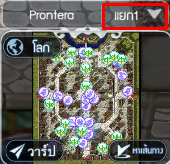
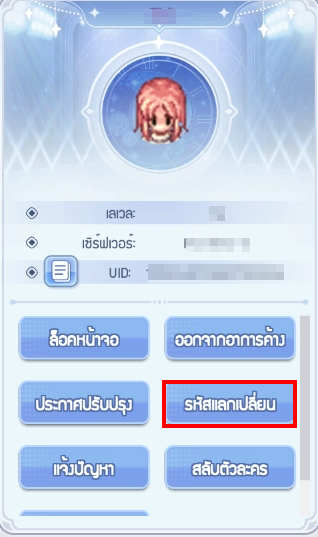
Q: How can I redeem an Item Code?
A: You can redeem the coupon directly in the game by following these steps:
- Tap “Settings” from the expanded menu on the right side of the game screen.
- In the Settings menu, tap “Redeem Code” on the left side.
- Enter the Item Code and tap Confirm.
- Check your in-game mail to receive the rewards.
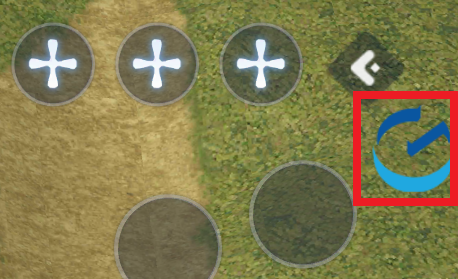
Q: Can I remove the “G” button on the right side of the screen?
A: The “G” button can only be temporarily removed from the screen. It will appear again when you restart the game.
⭐️How to remove the “G” button⭐️
- Drag the “G” button from the right side of the screen to the center of the screen.
- A message saying “Hide after moving” will appear. Drag the “G” button to that message to hide it.
Q: Can you explain how the in-game mail system works?
A: You can check your in-game mail by following the steps below:
✉️ How to Check Mail
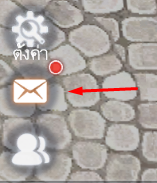
- You can find the Mail icon at the bottom center of the game screen.
- If there is new mail available, a red dot will appear on the Mail icon.
- The system can store up to 50 mails at a time.
⚠️ Important Notes about Mail
- If a mail expires and is deleted, the team will not be able to restore it.
- If your mailbox reaches the maximum limit of 50 mails, you will not be able to receive new mail.
⁉️It is recommended to check for unclaimed rewards by tapping “Claim All”, and delete unnecessary mails to make space for new ones.
Q: How can I check the dungeon refresh time?
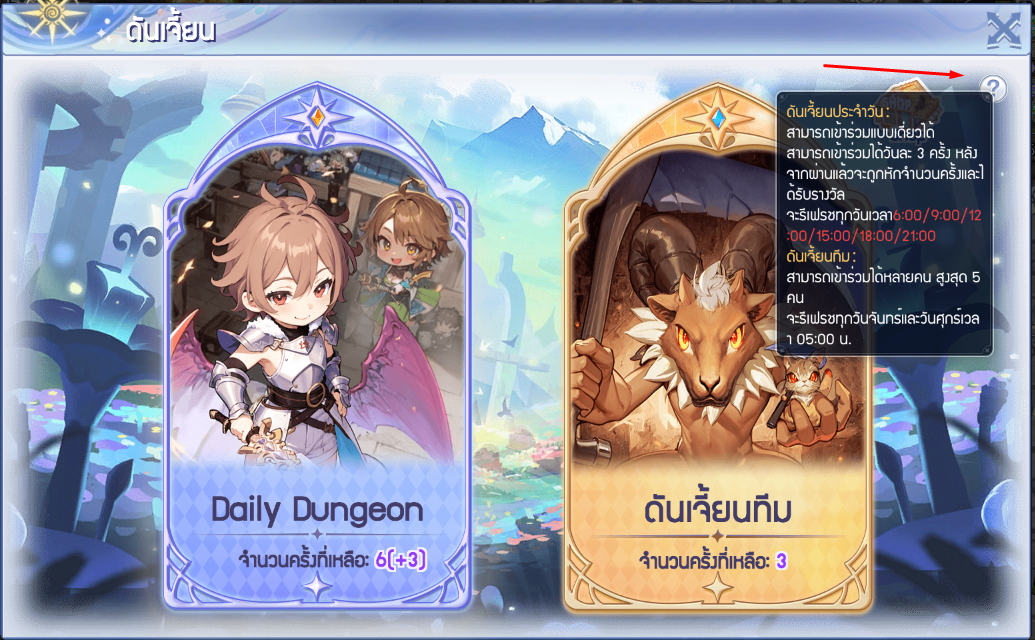
A: You can check the dungeon refresh schedule as follows:
⚔️ Daily Dungeons (Solo)
- You can enter up to 3 times per day.
- The dungeon refreshes daily at: 06:00 / 09:00 / 12:00 / 15:00 / 18:00 / 21:00
⚔️ Team Dungeons (Up to 5 players)
- Team dungeons refresh every Monday and Friday at 05:00.
Q: I purchased an item from the Market, but I haven’t received it. What should I do?
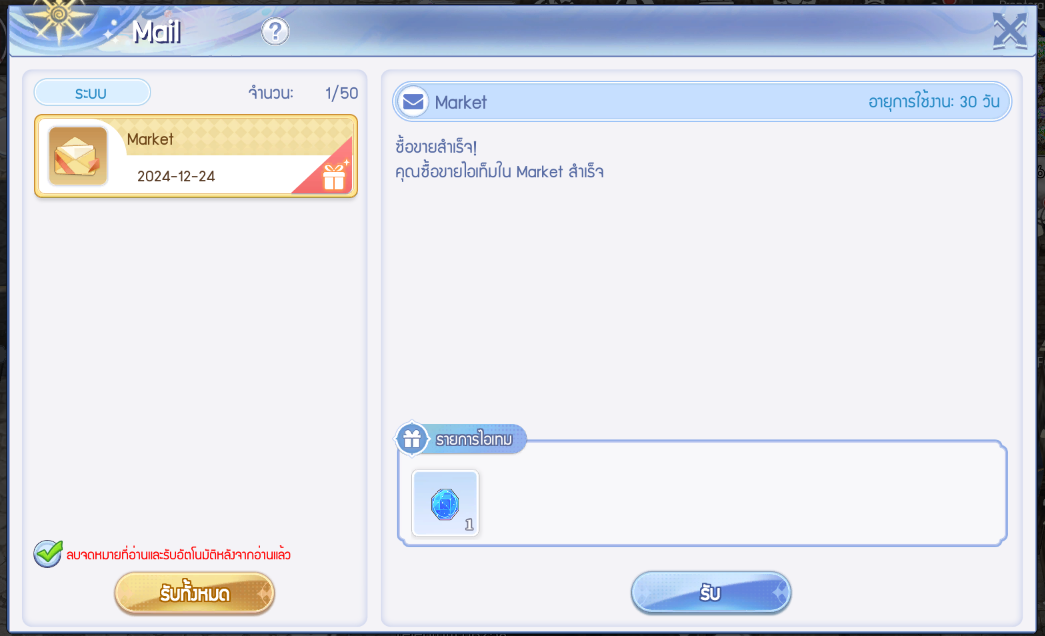
A: After purchasing an item from the Market, you can claim it from your in-game mail.
Please note that the mail will be valid for 30 days.
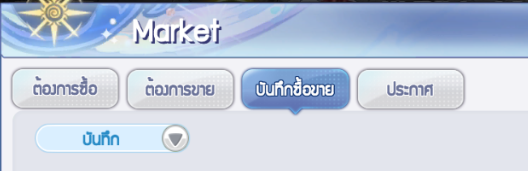
✏️ You can also check your transaction history at: Market → Transaction Records
Q: What benefits will I get from joining a Guild?
A: When you join a Guild, you can participate in various activities with your Guild members.
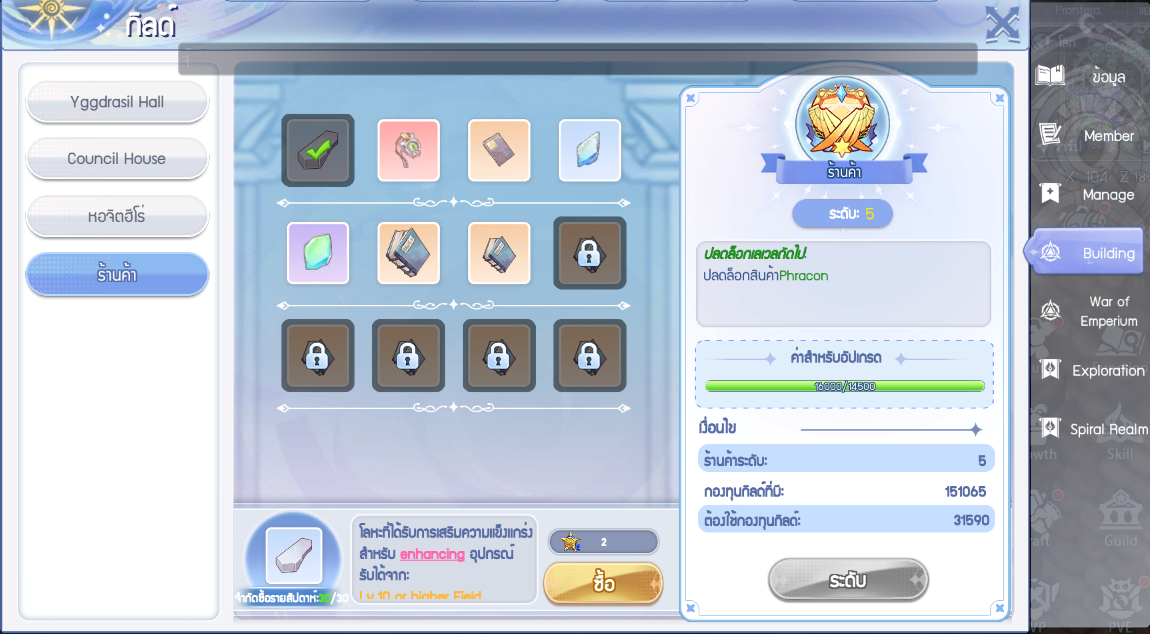
By joining Guild activities, you will receive Guild Funds and Guild Badges, which can be used to exchange for items in the Guild Shop.
Please note that the available items in the Guild Shop depend on the Shop level.
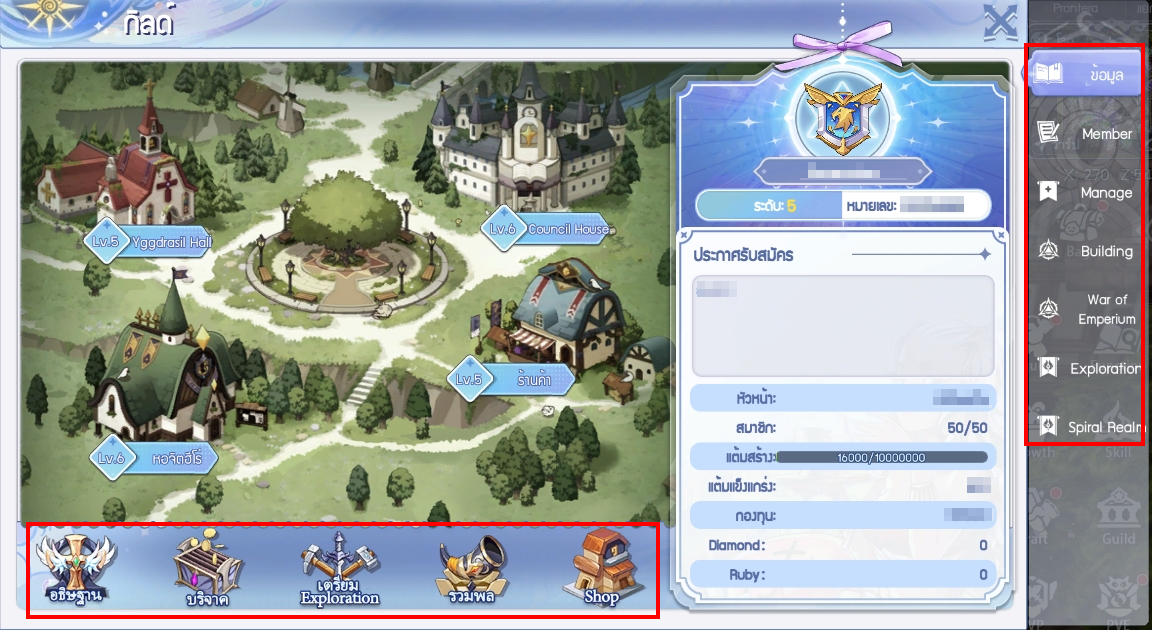
⭐️Example: Guild Shop ⭐️
─────────────────── ⋆⋅☆⋅⋆ ───────────────────
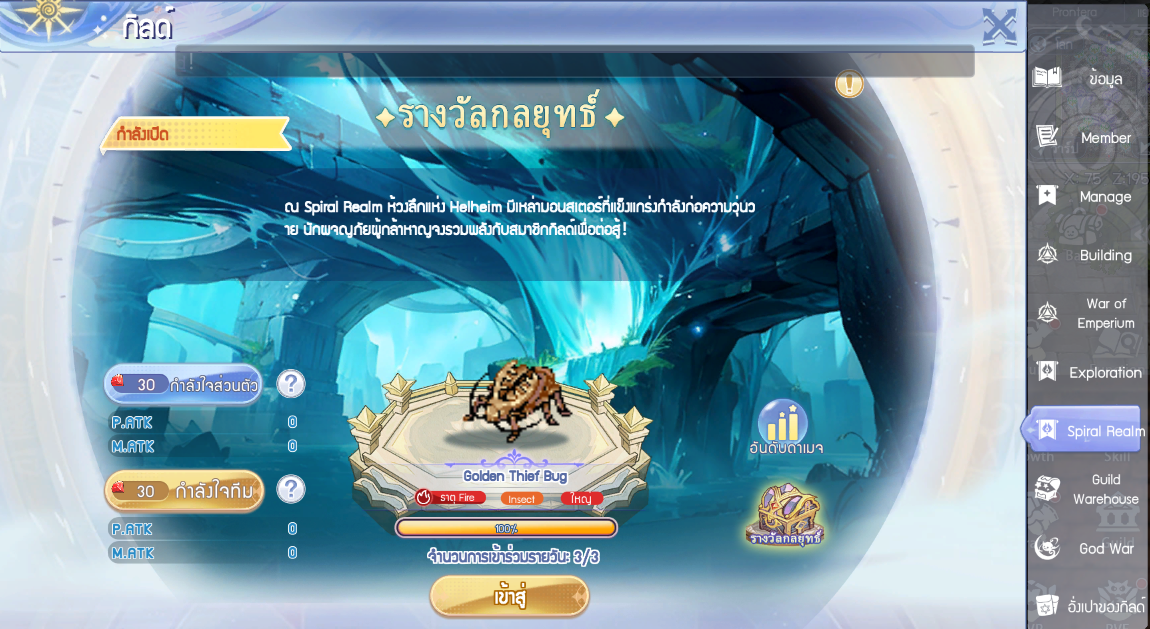
Q: Which MVP bosses appear on each floor of Spiral Realm?
A: In Spiral Realm mode, players will encounter MVP bosses on each floor as follows:
Floor 1: Lv.20 – Thief Bug
Floor 2: Lv.40 – Maya
Floor 3: Lv.60 – Phreeoni
Floor 4: Lv.60 – Maya
Floor 5: Lv.70 – Amon Ra
Floor 6: Lv.80 – Drake
Floor 7: Lv.80 – Eddga
Floor 8: Lv.90 – Moonlight Flower
Floor 9: Lv.100 – Pharaoh
Floor 10: Lv.100 – Mistress
Floor 11: Lv.100 – Baphomet
Floor 12: Lv.110 – Orc Lord
Floor 13: Lv.120 – Orc Hero
Floor 14: Lv.130 – Bloody Knight
Floor 15: Lv.140 – Dark Lord
Floor 16: Lv.150 – Dracula
Floor 17: Lv.160 – Doppelganger
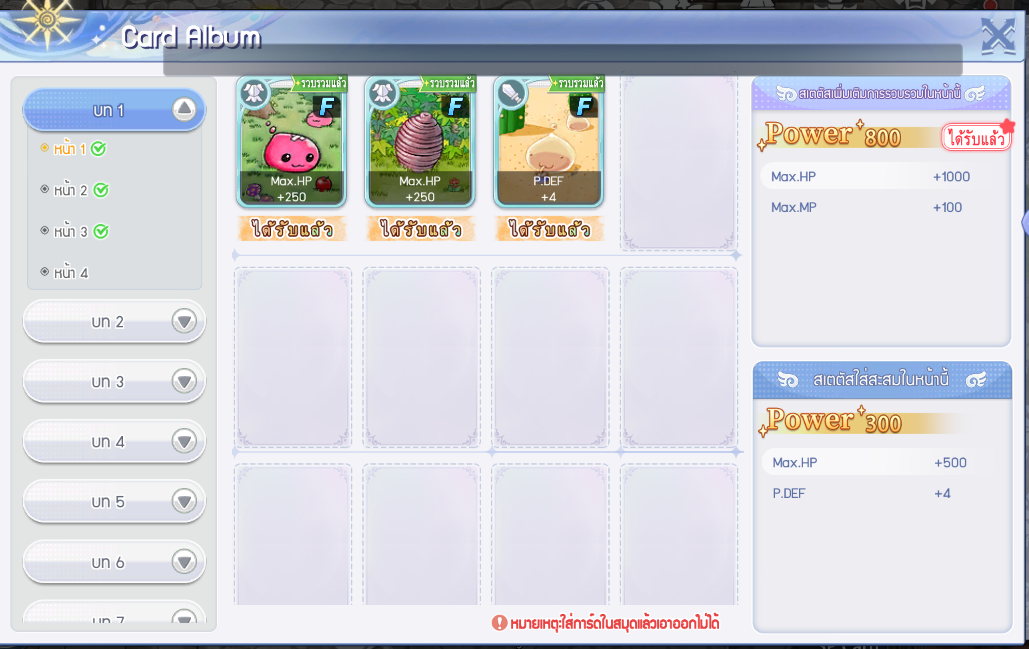
Q: Can I remove a card after inserting it into the Card Album?
A: Once a card is inserted into the Card Album, it cannot be removed.
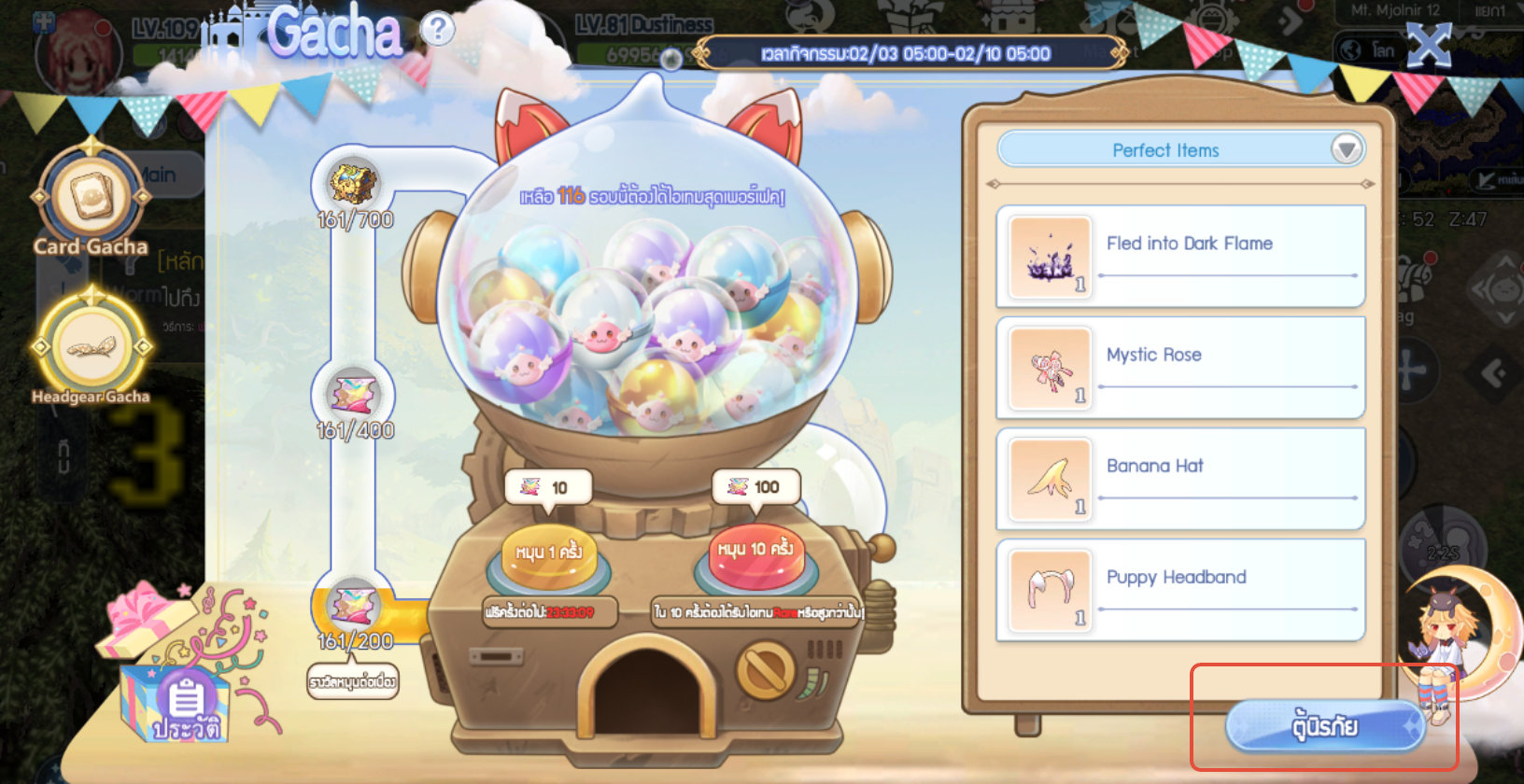
Q : ทำไมฉันสุ่มกาชาแล้ว แต่ไม่ได้ของเลย?
A: You can check the items you received in the Vault / Storage.
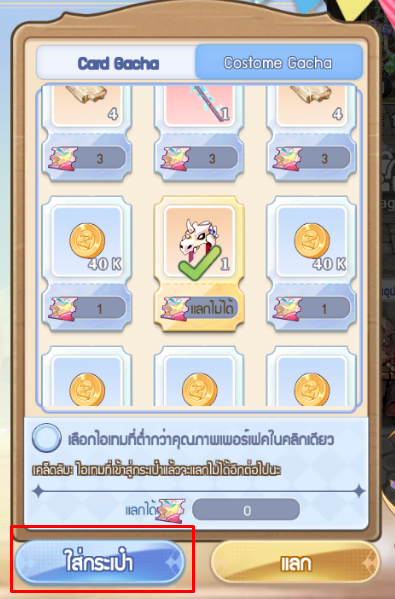
✏️ Then, select the item you want and add it to your bag.
If you tap the “Exchange” button, the item will be exchanged for a Costume Gacha.
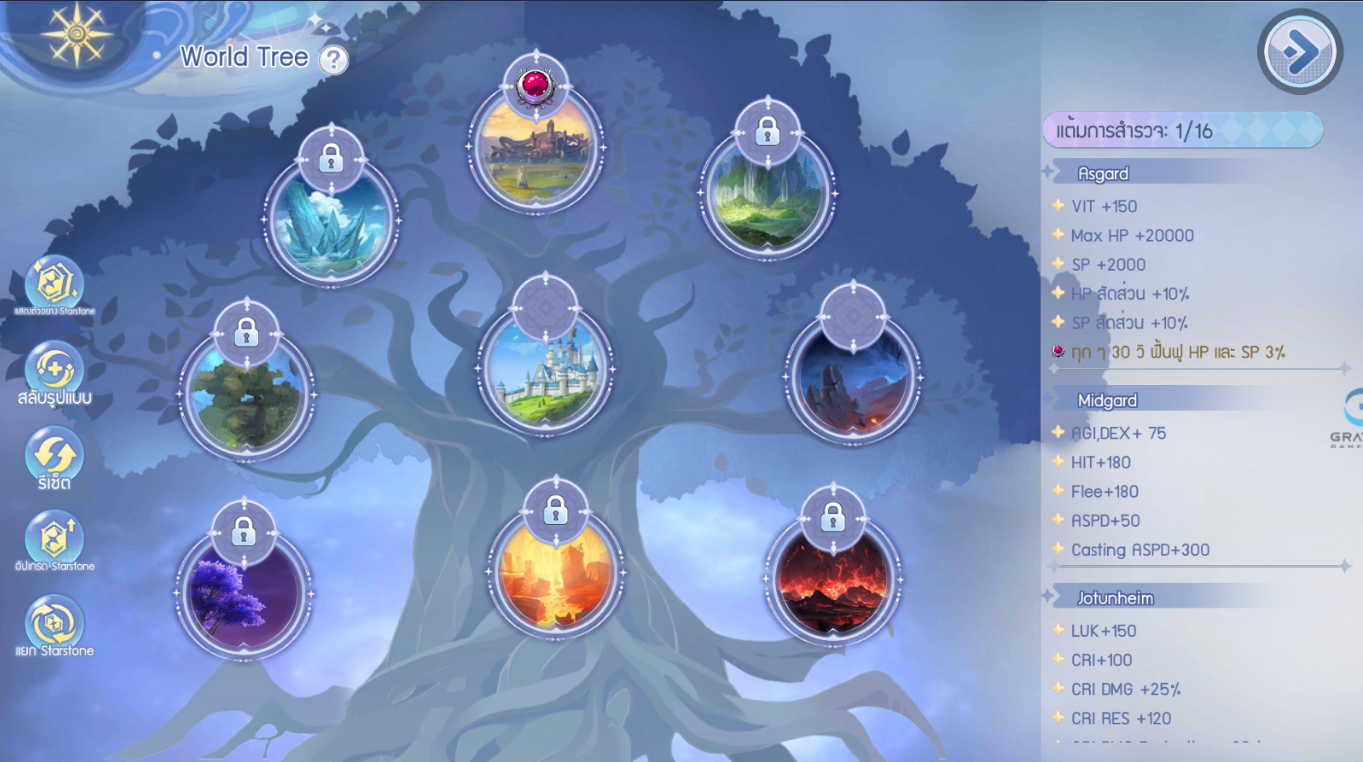
Q: How can I reset the World Tree?
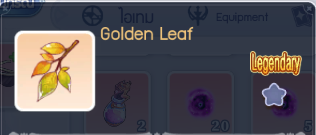
A: You can reset the World Tree by using the Golden Leaf item.
⭐️Item: Golden Leaf ⭐️
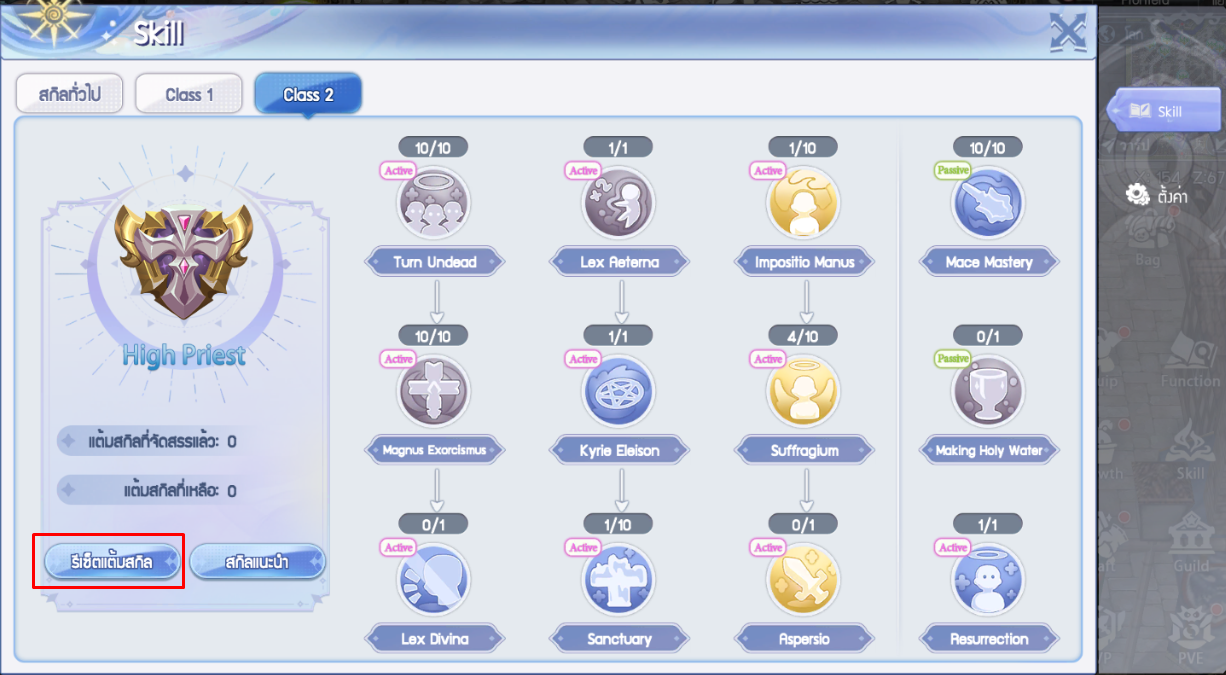
Q : How can I reset my skills?
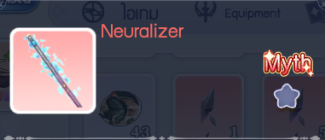
A: To reset your skills, you can use the Neuralizer item.
⭐️Neuralizer ⭐️
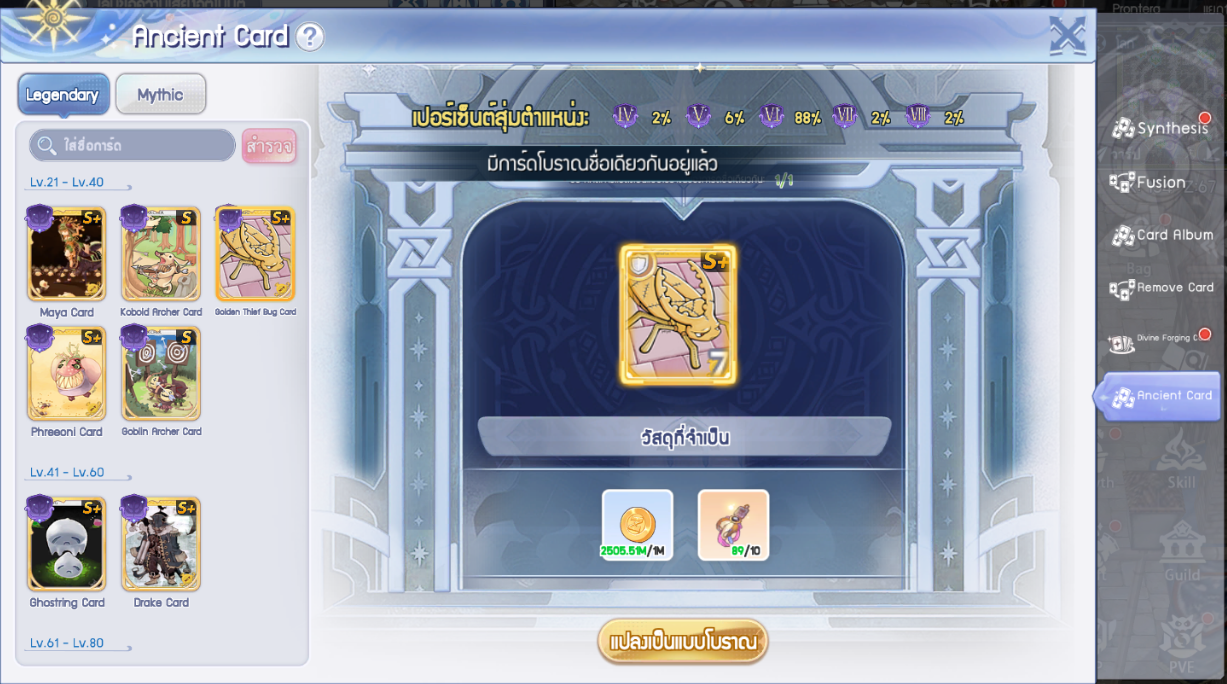
Q: Why can’t I equip both a normal card and an Ancient Card?
A: Due to the Ancient Card restrictions (regardless of star level), you can equip only one card per card name at a time.
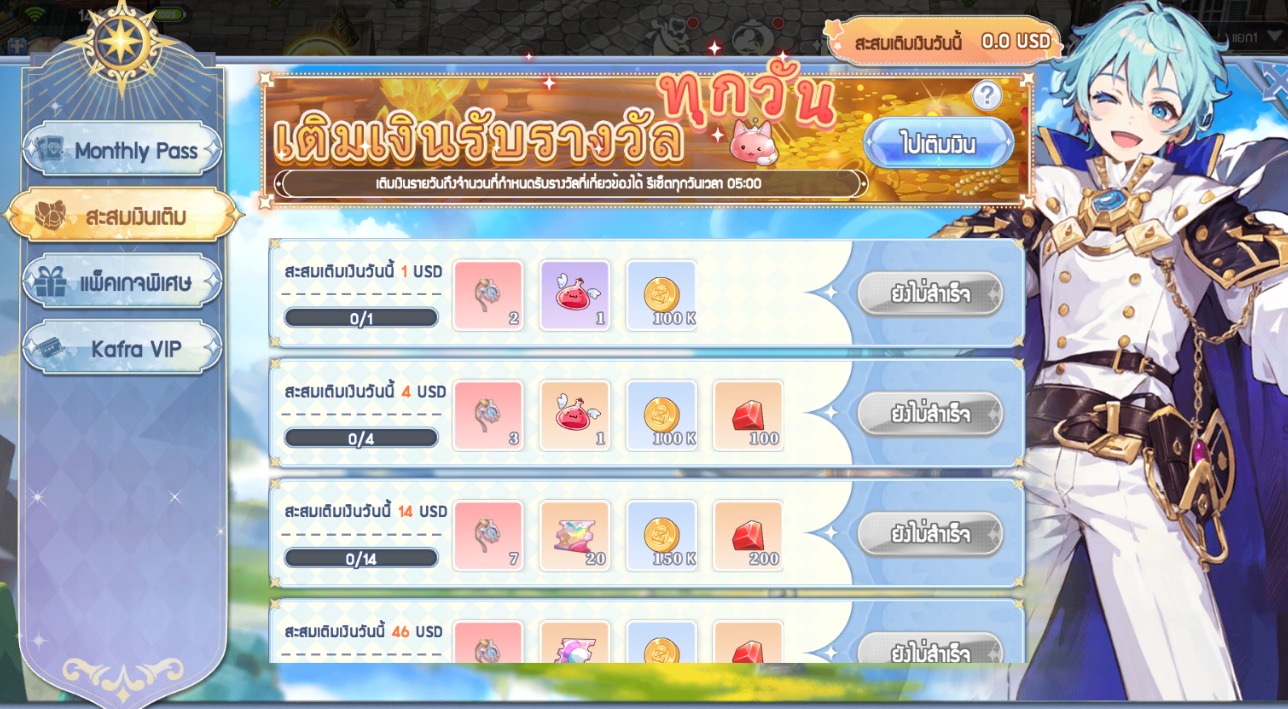
Q: Why didn’t my VIP top-up count toward the Daily Recharge total?
A: Please note that purchases of VIP Packs / Check-in Pass / 7-Day Pass are not included in the Daily Recharge accumulation conditions.
Q: How can I reset my skills?
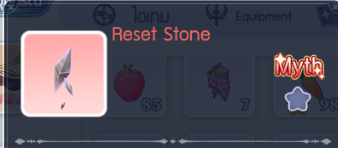
A: To reset your skills, you can use the Reset Stone item.
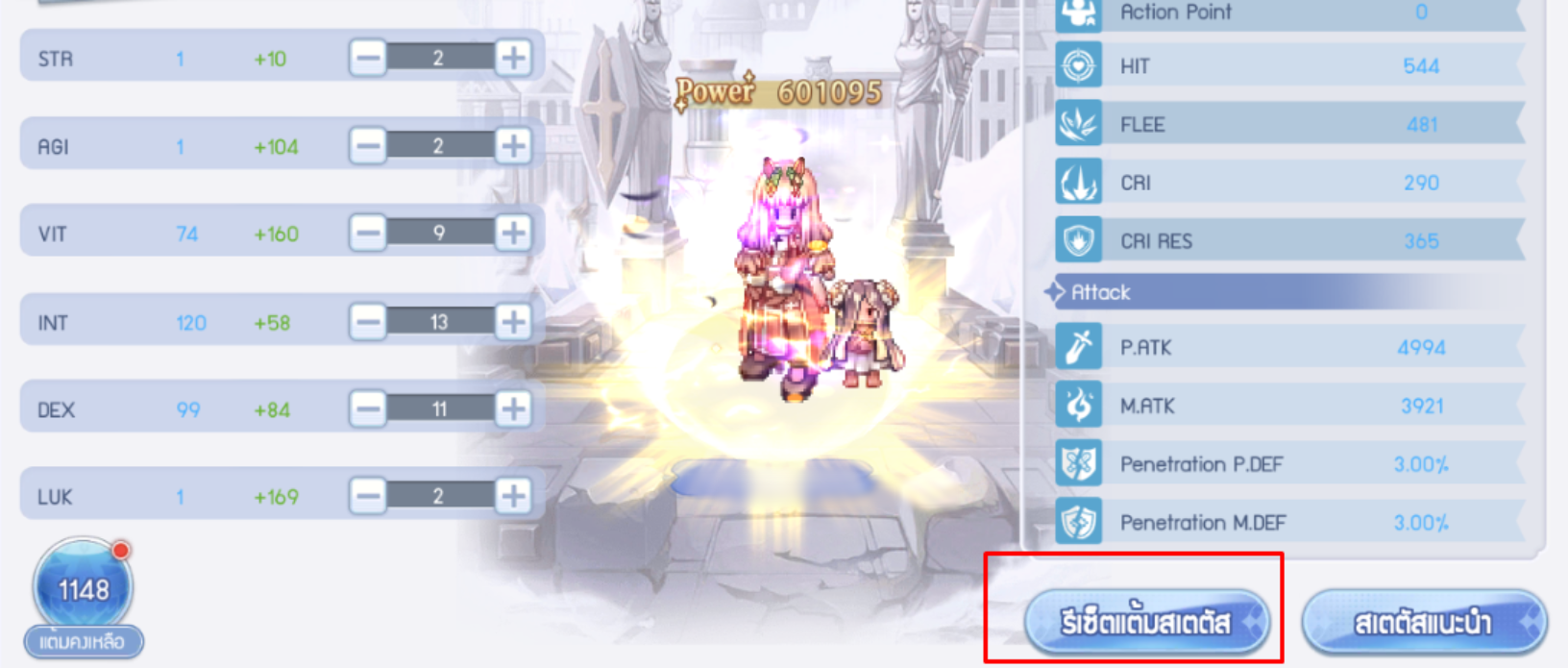
⭐️Reset Stone ⭐️
Q: How can I reset my skills?
A: To reset your skills, you can use the Reset Stone item.
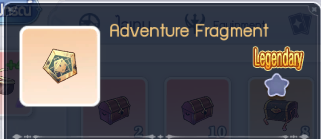
⭐️Adventure Fragment ⭐️
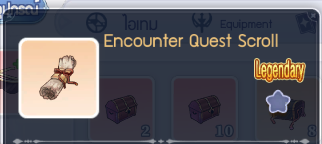
⭐️Encounter Quest Scroll ⭐️
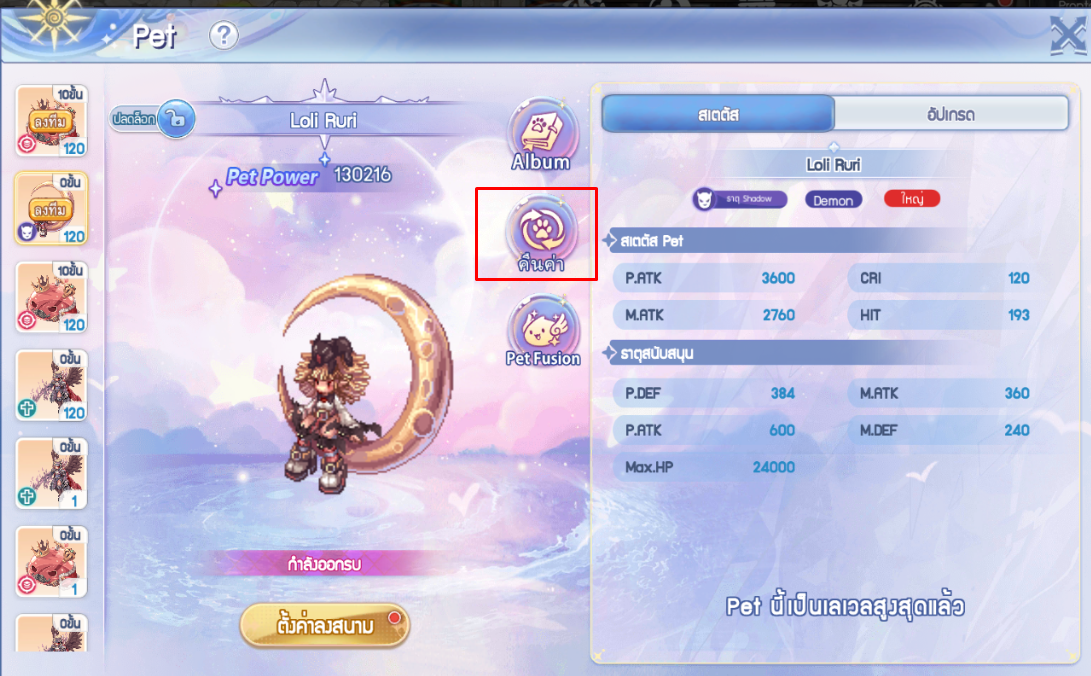
Q: If I return a pet, will I get the items back?
A: When you return a pet, it will be reset back into an egg, and 70% of the Pet EXP Books will be refunded. The remaining items will not be returned.
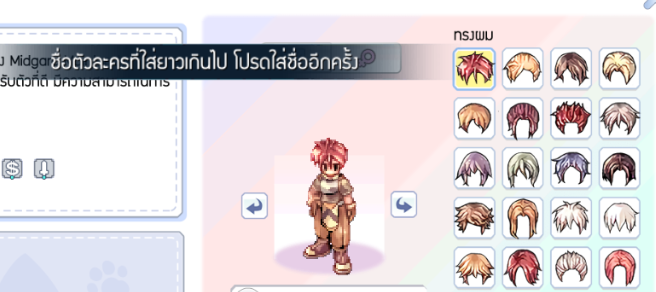
Q: Why can’t I set my character name?
A: Character names can be up to 14 characters long. We recommend avoiding special symbols or unusual characters, as they may prevent the system from saving the name properly.
Was this article helpful?
That’s Great!
Thank you for your feedback
Sorry! We couldn't be helpful
Thank you for your feedback
Feedback sent
We appreciate your effort and will try to fix the article